> For the complete documentation index, see [llms.txt](https://academy.pentaho.com/llms.txt). Markdown versions of documentation pages are available by appending `.md` to page URLs; this page is available as [Markdown](https://academy.pentaho.com/pentaho-ctools/c-tools/getting-started/first-steps.md).
# First Steps
Before you begin ..
{% hint style="info" %}
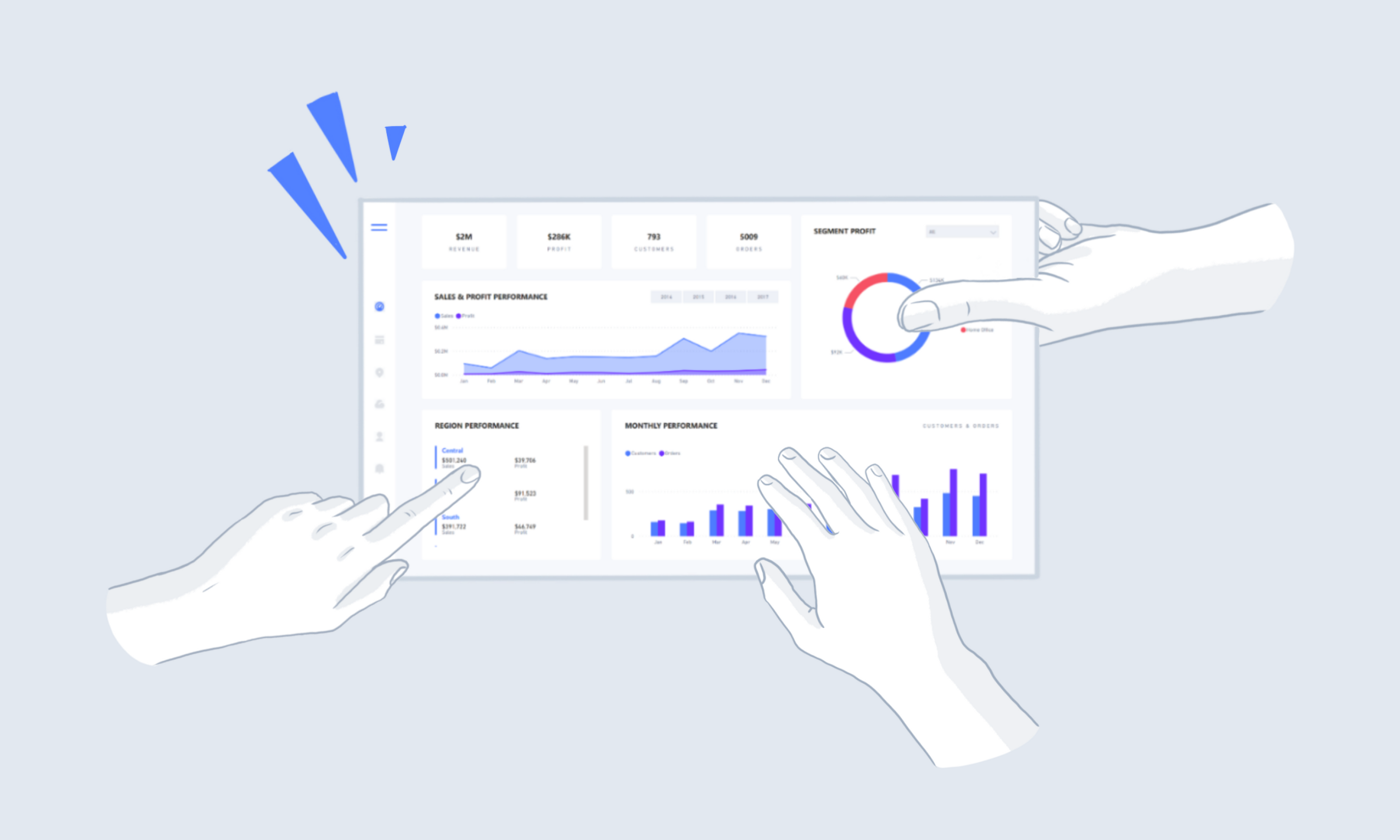
Before diving into dashboard development, several preparatory steps are essential.
• Begin by gathering comprehensive requirements from stakeholders.
• Next, analyze which visualization methods will most effectively communicate the data.
• Then, create detailed mockups to establish the dashboard's design.
• Following this, break down the necessary components and identify relevant data sources.
Only after completing these preliminary phases should you proceed with the actual dashboard development.
{% endhint %}
{% tabs %}
{% tab title="Requirements" %}
{% hint style="info" %}
Building an effective dashboard starts with a strong foundation. First, sit down with stakeholders to understand their exact needs and pain points. Then, carefully evaluate your data visualization options – whether charts, graphs, or other displays will tell the story best.
Create wireframes and mockups to give everyone a concrete preview of the final product. Map out the technical architecture by defining your components and confirming your data sources are reliable and accessible. With this thorough groundwork in place, you can confidently move forward with development, knowing you're building exactly what's needed.
{% endhint %}
Consider the following points:
{% tabs %}
{% tab title="Target Audience" %}
{% hint style="info" %}
Different stakeholders require different levels of information:
• **Executives**: Need high-level metrics and trend analysis for quick decision-making
• **Department Managers**: Want both company-wide insights and detailed data for their specific areas
• **Technical Staff**: Require granular, detailed information for operational tasks
{% endhint %}
{% endtab %}
{% tab title="User Expectations" %}
{% hint style="info" %}
Success depends on delivering the right information to the right people. Key questions to consider:
• What specific metrics matter most to each user group?
• How will they use this information in their daily work?
• What format and level of detail best serves their needs?
{% endhint %}
{% endtab %}
{% tab title="Existing Systems" %}
{% hint style="info" %}
#### Existing Systems
When replacing current reporting tools:
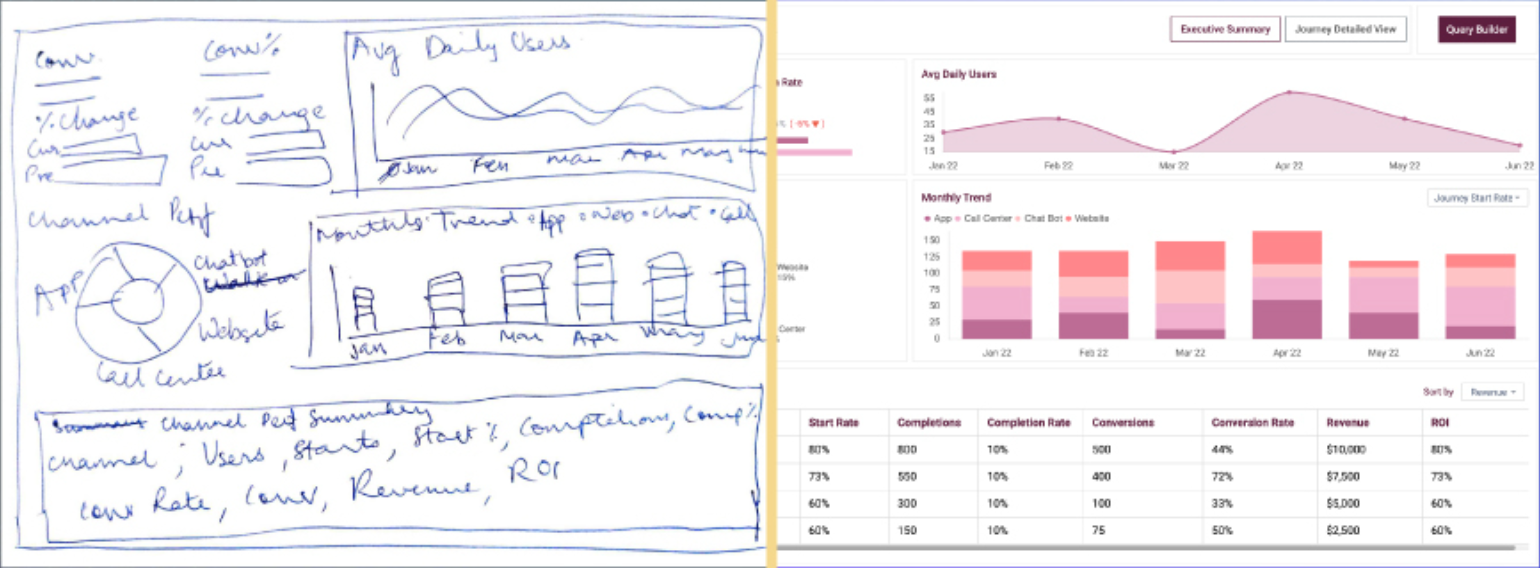
• Obtain copies of existing reports and dashboards
• Analyze their format, content, and usage patterns
• Identify opportunities for improvement
• Use current reports as a baseline for understanding data requirements
{% endhint %}
{% endtab %}
{% tab title="Dashboard Design" %}
{% hint style="info" %}
#### Key Dashboard Design Considerations
• UI Consistency Adhere to existing company UI guidelines for colours, fonts, and layouts when possible. This approach maintains visual consistency and allows users to focus on data rather than adjusting to new design elements, while still following fundamental UI design principles.
• Content Strategy Prioritize displaying essential KPIs, insights, and trends that enable quick information access. The dashboard should serve as an efficient overview of critical metrics while maintaining clarity and purpose.
• Data Granularity and Interaction
• Determine appropriate levels of data detail
• Enable drill-down capabilities for deeper analysis (e.g., investigating declining sales)
• Consider performance implications when deciding detail levels
• Implement intuitive click-through functionality for accessing additional information
• Filtering Framework
• Implement dashboard-wide filters for consistent data views
• Create section-specific filters where necessary
• Include essential time range controls (e.g., last hour, 7 days, 30 days)
• Ensure filters align with available data granularity
• Visualization Selection Choose visualizations based on:
• Data volume and complexity
• Intended message and insights
• User comprehension speed
• Information density requirements
• Data be displayed to users with different roles
{% endhint %}
{% endtab %}
{% endtabs %}
{% hint style="info" %}
The key is creating an intuitive interface where users can quickly understand and act on the presented data without requiring extensive training or explanation.
{% endhint %}
{% endtab %}
{% tab title="Mock-up" %}
{% hint style="info" %}
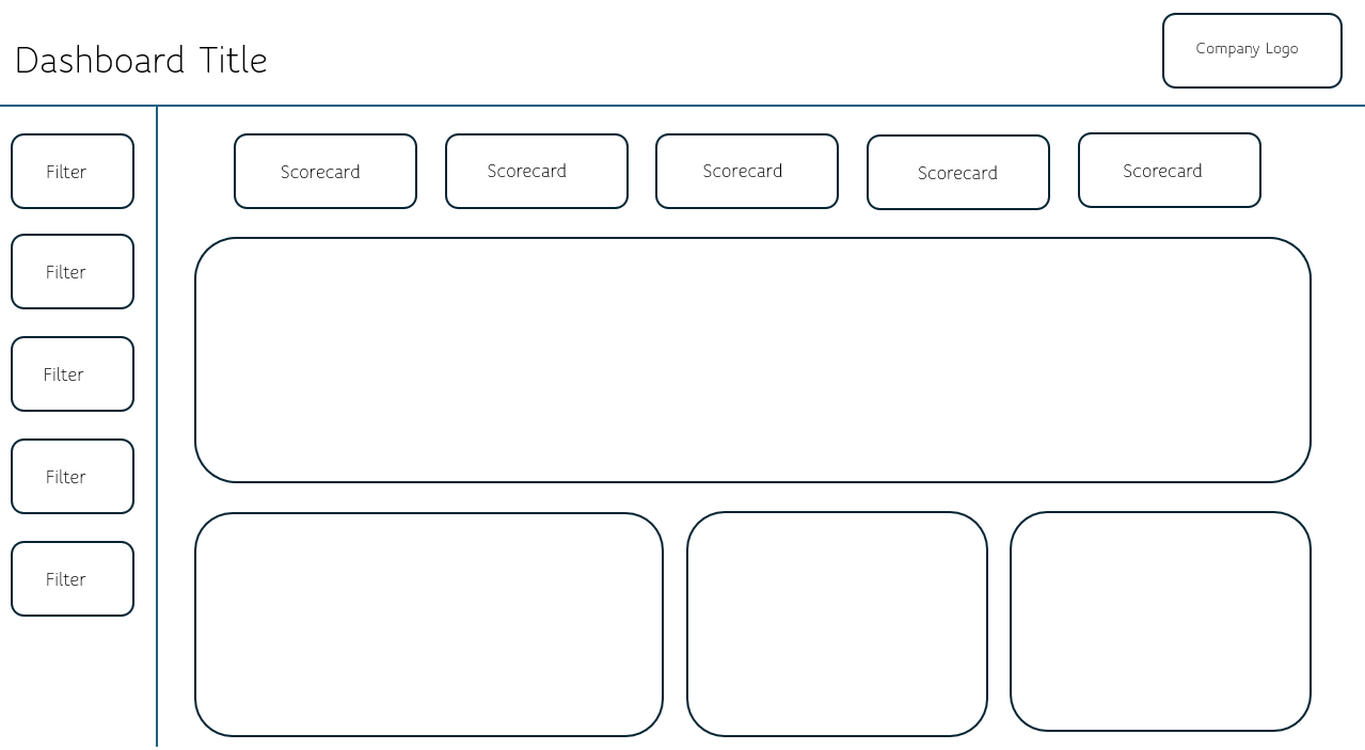
Dashboard mockups are visual representations of how a data dashboard will look and function before actual development begins. They help stakeholders visualize the final product, arrange UI elements effectively, and iterate on design decisions without investing development resources.
A good dashboard mockup considers data visualization placement, user workflow, information hierarchy, and interactive elements while maintaining clean, intuitive design principles.
{% endhint %}
Dashboard - Mock up
Popular tools for creating dashboard mockups include:
[Figma](https://www.figma.com/) - Industry-standard design tool with real-time collaboration
[PowerMockup](https://www.powermockup.com/) - Powerpoint addin.
[Balsamiq](https://balsamiq.com/) - Great for quick, low-fidelity wireframes
There's also quite a few AI tools emerging ..
{% endtab %}
{% tab title="Functional Breakdown" %}
{% hint style="info" %}
After completing the dashboard design, the next step is creating a functional breakdown document. This document details each dashboard section's components, queries, and parameters, along with estimated development time for each task.
The functional breakdown serves multiple purposes: it helps track planned versus completed work, provides a comprehensive overview of technical requirements, and specifies query structures including column names and data types. While creating this documentation requires initial investment, it streamlines development by clarifying requirements, identifying potential issues early, and surfacing important questions.
This approach is particularly valuable for team projects, as it provides clear direction and ensures all team members understand their responsibilities and implementation requirements.
{% endhint %}
Functional breakdown
{% endtab %}
{% endtabs %}
---
# Agent Instructions
This documentation is published with GitBook. GitBook is the documentation platform designed so that both humans and AI agents can read, navigate, and reason over technical content effectively. Learn more at gitbook.com.
## Querying This Documentation
If you need additional information that is not directly available in this page, you can query the documentation dynamically by asking a question.
Perform an HTTP GET request on the current page URL with the `ask` query parameter, and the optional `goal` query parameter:
```
GET https://academy.pentaho.com/pentaho-ctools/c-tools/getting-started/first-steps.md?ask=&goal=
```
`ask` is the immediate question: it should be specific, self-contained, and written in natural language.
`goal` is optional and describes the broader end goal you are ultimately trying to accomplish on behalf of the user. GitBook uses it to tailor the answer towards what is most useful for that goal.
The response will contain a direct answer to the question and relevant excerpts and sources from the documentation.
Use this mechanism when the answer is not explicitly present in the current page, you need clarification or additional context, or you want to retrieve related documentation sections.