> For the complete documentation index, see [llms.txt](https://academy.pentaho.com/llms.txt). Markdown versions of documentation pages are available by appending `.md` to page URLs; this page is available as [Markdown](https://academy.pentaho.com/pentaho-10-installation/installation/archive-installation/install-client-tools.md).
# Install Client Tools
Installation of Clients Tools ..
{% hint style="info" %}
#### Pentaho Client Tools
There are two methods for installing the Business Analytics (BA) design tools. You can use either of these methods:
* Pentaho Business Analytics Evaluation Wizard - Windows Desktop.
* Install each separate tool manually - Linux / Windows Desktop.
The Pentaho Business Analytics Installation Wizard is the easiest way to install design tools, utilities, or plugins on the server or client workstations. The manual method allows you to manually copy design tool installation files to any directory on the server or client workstations. The deployment pattern will depend on the DevOps requirements.
{% endhint %}
Pentaho Pro Suite
The following steps install the client plugins into a Linux Desktop - for [**Windows**](/pentaho-10-installation/installation/evaluation-installation.md)
{% hint style="info" %}
#### Unpack Client Package
The jar command is a general-purpose archiving and compression tool, based on ZIP and the ZLIB compression format.
x - Extract files from a JAR archive
f - Sets the file specified by the jarfile operand to be the name of the JAR file that is created
{% endhint %}
{% tabs %}
{% tab title="1. Data Integration" %}
{% hint style="info" %}
#### Pentaho Data Integration
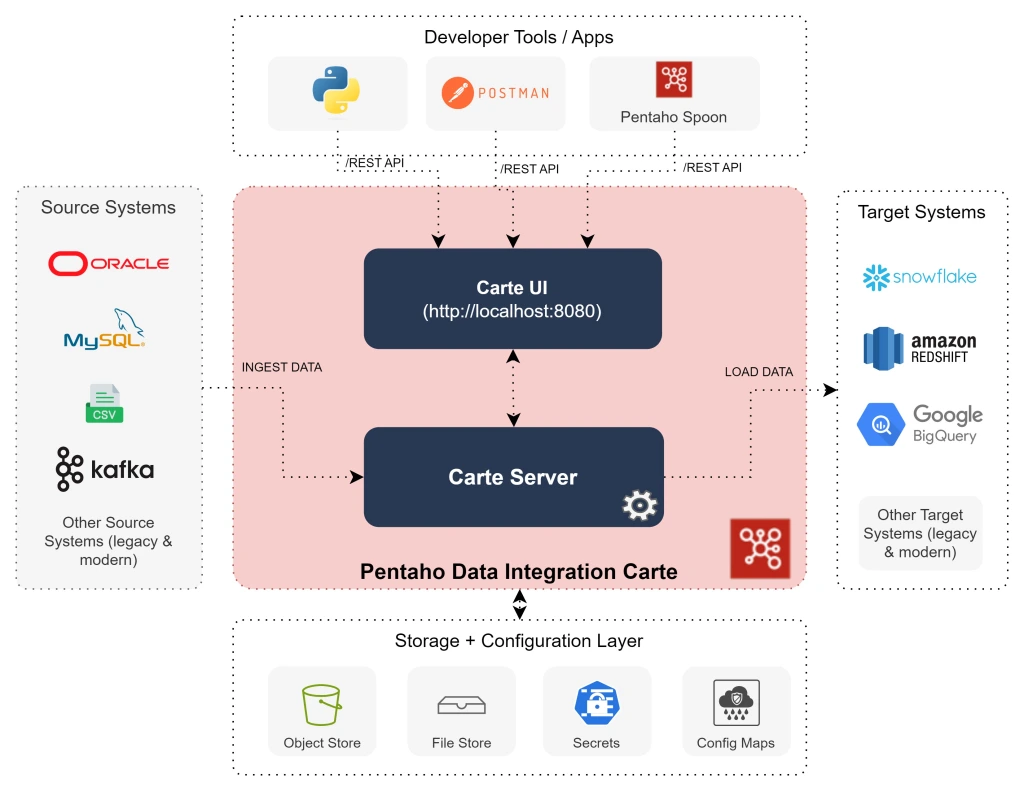
Pentaho Data Integration (PDI) provides the Extract, Transform, and Load (ETL) capabilities that facilitates the process of capturing, cleansing, and storing data using a uniform and consistent format that is accessible and relevant to end users and IoT technologies.
{% endhint %}
#### Pentaho Client Directories
1. Create \~/Pentaho/design-tools directory.
```bash
cd
mkdir -p ~/Pentaho/design-tools
```
2. Check for client plugins.
```bash
cd
cd ~/Downloads/'Client Tools'/'PDI (Spoon)'
ls
```
3. Unjar pdi-ee-client-10.2.0.0-222.zip.
```bash
cd
cd ~/Pentaho/design-tools
jar -vxf ~/Downloads/'Client Tools'/'PDI (Spoon)'/pdi-ee-client-10.2.0.0-222.zip
```
4. Change the permission for all .sh files.
{% hint style="info" %}
All .sh files will need executable permission.
{% endhint %}
```bash
cd
cd ~/Pentaho/design-tools
find . -iname "*.sh" -exec bash -c 'chmod +x "$0"' {} \;
```
5. Check that it matches the following directory structure:
{% hint style="info" %}
\~/Pentaho
design-tools
data-integration
jdbc-distribution
license-installer
PDI plugins are installed in the plugins folder.
{% endhint %}
***
{% hint style="info" %}
#### Data Integration UI
Ubuntu 22.04 the Repository is:
• missing libwebgtk: webkit browser extensions.
• and fails to load canberra-gtk-module
{% endhint %}
1. Add package repository.
```bash
sudo apt-get install -qq software-properties-common
```
2. Add repository entry.
```bash
sudo apt-key adv --keyserver keyserver.ubuntu.com --recv-keys 3B4FE6ACC0B21F32
sudo add-apt-repository 'deb [trusted=yes] http://cz.archive.ubuntu.com/ubuntu bionic main universe'
```
3. Update repositories.
```bash
sudo apt-get update
```
5. Install package.
```bash
sudo apt-get install -qq libwebkitgtk-1.0-0
```
```bash
sudo apt-get install libcanberra-gtk-module
```
6. Start PDI.
```bash
cd
cd ~/Pentaho/design-tools/data-integration
./spoon.sh
```
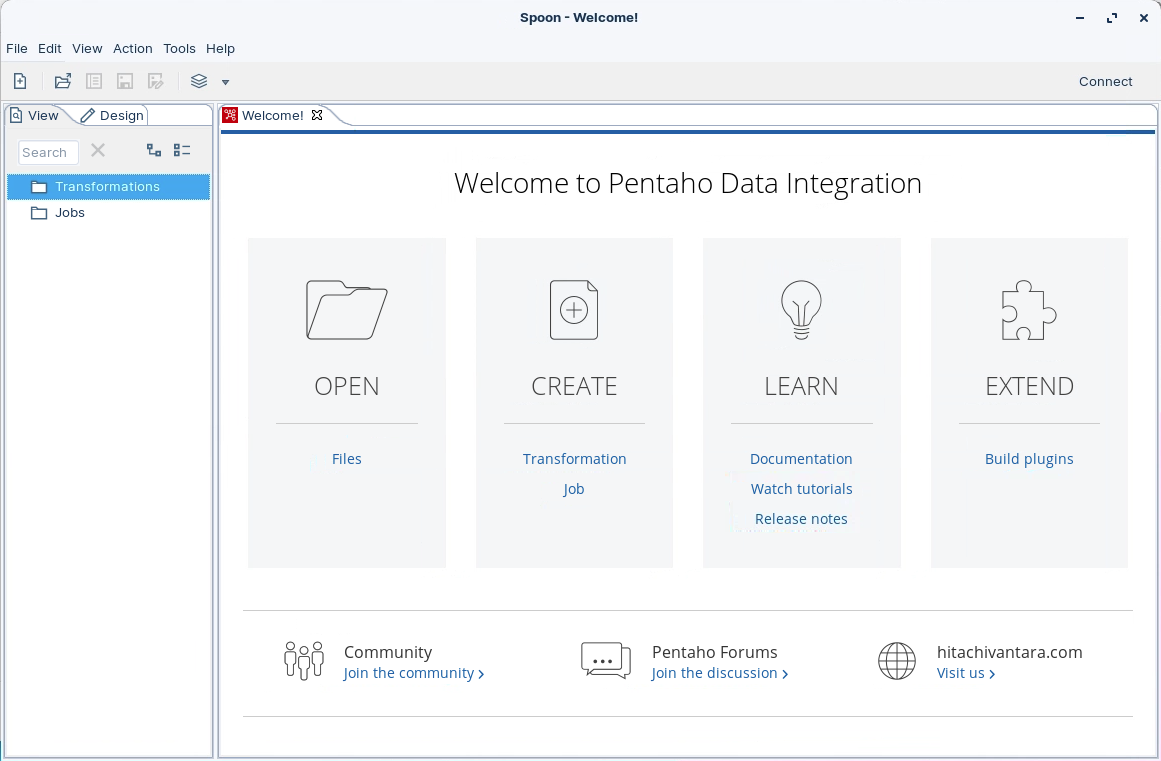
Spoon UI
{% endtab %}
{% tab title="2. Metadata Editor" %}
{% hint style="info" %}
#### Pentaho Metadata Editor
Pentaho Metadata Editor is a tool that allows you to create and manage metadata models and domains for Pentaho data integration and analytics. Metadata models and domains are logical representations of your physical data sources that make them easier to understand and use by business users.
{% endhint %}
1. Unjar pme-ee-10.2.0.0-222.zip.
```bash
cd
cd ~/Pentaho/design-tools
jar -vxf ~/Downloads/'Client Tools'/'Metadata Editor'/pme-ee-10.2.0.0-222.zip
```
2. Change the permission for all .sh files.
{% hint style="info" %}
All .sh files will need executable permission.
{% endhint %}
```bash
cd
cd ~/Pentaho/design-tools
find . -iname "*.sh" -exec bash -c 'chmod +x "$0"' {} \;
```
3. Check that it matches the following directory structure:
{% hint style="info" %}
\~/Pentaho
design-tools
data-integration
jdbc-distribution
license-installer
metadata-editor
The PME plugins are installed in the plugins folder.
{% endhint %}
***
{% hint style="info" %}
#### Metadata Editor
Building a Pentaho Metadata Editor model starts with connecting to your data sources and defining business tables that provide user-friendly views of your underlying database tables. You rename technical columns to business terms, create relationships between tables, and can add calculated fields and hierarchies that make sense to end users.
The model building process includes setting up security rules to control data access and adding localization support for multiple languages. You can hide technical complexity while exposing only the relevant data and metrics that business users need for their analysis and reporting.
Once complete, the metadata model is published to the Pentaho server where it serves as a semantic layer for reporting tools, dashboards, and ad-hoc analysis. This provides business users with a consistent, governed view of organizational data without requiring them to understand the underlying database structure or write complex queries.
{% endhint %}
1. Start PME.
```bash
cd
cd ~/Pentaho/design-tools/metadata-editor
./metadata-editor.sh
```
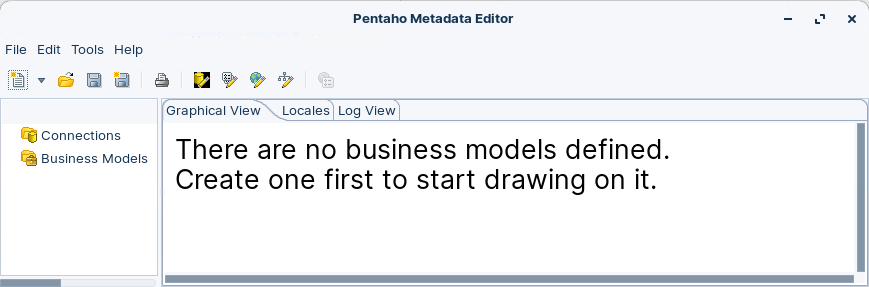
Pentaho Metadata Editor
{% endtab %}
{% tab title="3. Schema WorkBench" %}
{% hint style="info" %}
#### Schema Workbench
Pentaho Schema Workbench is a tool that allows you to create and test Mondrian OLAP cube schemas visually. Mondrian OLAP cube schemas are XML files that define the logical structure of a multidimensional database, such as dimensions, hierarchies, levels, measures, and calculations.
{% endhint %}
1. Unjar psw-ee-10.2.0.0-222.zip.
```bash
cd
cd ~/Pentaho/design-tools
jar -vxf ~/Downloads/'Client Tools'/'Schema Workbench'/psw-ee-10.2.0.0-222.zip
```
2. Change the permission for all .sh files.
{% hint style="info" %}
All .sh files will need executable permission.
{% endhint %}
```bash
cd
cd ~/Pentaho/design-tools
find . -iname "*.sh" -exec bash -c 'chmod +x "$0"' {} \;
```
2. Check that it matches the following directory structure:
{% hint style="info" %}
\~/Pentaho
design-tools
data-integration
jdbc-distribution
license-installer
metadata-editor
schema-workbench
The PSW plugins are installed in the plugins folder.
{% endhint %}
***
{% hint style="info" %}
#### Schema Workbench
Building a Pentaho Schema Workbench schema starts with connecting to your data warehouse and defining the basic schema structure. You create cubes that represent your main analytical subjects, each containing dimensions for context (like time or geography) and measures for quantitative data (like sales or revenue).
The development process involves mapping these logical structures to your database tables by defining fact tables for measures and dimension tables for attributes. You establish proper join relationships between tables and create hierarchies within dimensions to enable drill-down analysis from high-level summaries to detailed data.
After configuring the core structure, you can add calculated members and advanced features to enhance analytical capabilities. The final step involves validating the schema to ensure all relationships work correctly, then deploying it to the Pentaho server where reporting and analysis tools can access the multidimensional data model.
{% endhint %}
1. Start PSW.
```bash
cd
cd ~/Pentaho/design-tools/schema-workbench
./workbench.sh
```
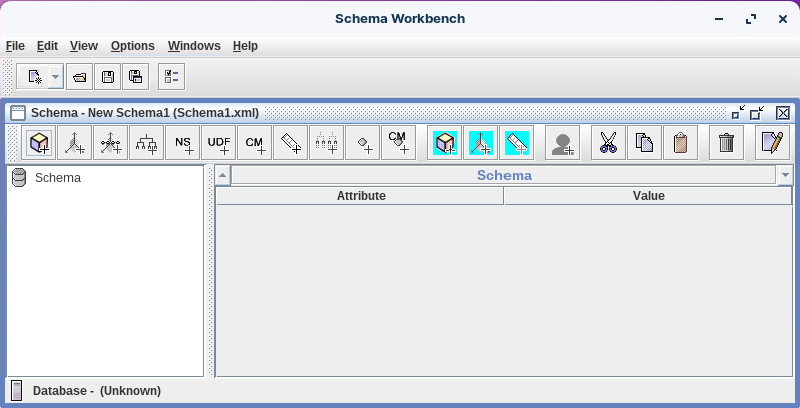
Schema Workbench
{% endtab %}
{% tab title="4. Aggregation Designer" %}
{% hint style="info" %}
#### Aggregation Designer
Pentaho Aggregation Designer is a tool that helps you to improve the performance of your Pentaho Analyzer (Mondrian) OLAP cubes by creating and deploying aggregate tables. Aggregate tables are tables that contain pre-aggregated measures from the base fact table, which can speed up the query processing by reducing the amount of data that needs to be scanned and aggregated.
{% endhint %}
1. Unjar pad-ee-10.2.0.0-222.zip.
```bash
cd
cd ~/Pentaho/design-tools
jar -vxf ~/Downloads/'Client Tools'/'Aggregation Designer'/pad-ee-10.2.0.0-222.zip
```
2. Change the permission for all .sh files.
{% hint style="info" %}
All .sh files will need executable permission.
{% endhint %}
```bash
cd
cd ~/Pentaho/design-tools
find . -iname "*.sh" -exec bash -c 'chmod +x "$0"' {} \;
```
3. Check that it matches the following directory structure:
{% hint style="info" %}
\~/Pentaho
design-tools
data-integration
jdbc-distribution
license-installer
metadata-editor
schema-workbench
aggregation-designer
The PAD plugins are installed in the plugins folder.
{% endhint %}
***
{% hint style="info" %}
#### Aggregation Designer
The Pentaho Aggregation Designer is a performance optimization tool that creates pre-calculated summary tables (aggregates) for OLAP cubes to speed up analytical queries. It automatically analyzes query patterns and recommends which aggregate tables to build based on frequently accessed data combinations.
The tool connects to existing OLAP schemas, examines dimensional hierarchies and measures, then generates the physical aggregate tables in the database along with updated schema definitions. This significantly reduces query response times by allowing the system to serve results from pre-computed summaries rather than calculating them on-demand from large fact tables.
Building it requires components for schema analysis, performance modeling, aggregate recommendation algorithms, and deployment utilities that handle the database changes and schema updates needed to implement the optimizations.
{% endhint %}
1. Start PAD.
```bash
cd
cd ~/Pentaho/design-tools/aggregation-designer
./startaggregationdesigner.sh
```
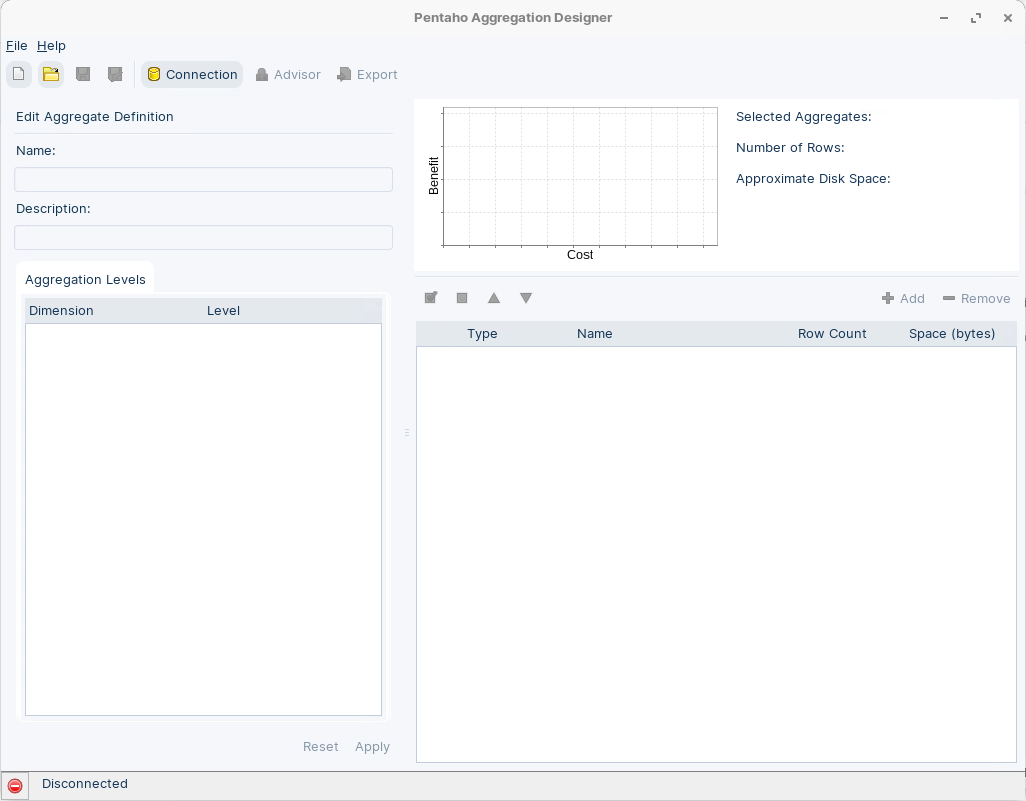
Aggregation Designer
{% endtab %}
{% endtabs %}
---
# Agent Instructions
This documentation is published with GitBook. GitBook is the documentation platform designed so that both humans and AI agents can read, navigate, and reason over technical content effectively. Learn more at gitbook.com.
## Querying This Documentation
If you need additional information that is not directly available in this page, you can query the documentation dynamically by asking a question.
Perform an HTTP GET request on the current page URL with the `ask` query parameter, and the optional `goal` query parameter:
```
GET https://academy.pentaho.com/pentaho-10-installation/installation/archive-installation/install-client-tools.md?ask=&goal=
```
`ask` is the immediate question: it should be specific, self-contained, and written in natural language.
`goal` is optional and describes the broader end goal you are ultimately trying to accomplish on behalf of the user. GitBook uses it to tailor the answer towards what is most useful for that goal.
The response will contain a direct answer to the question and relevant excerpts and sources from the documentation.
Use this mechanism when the answer is not explicitly present in the current page, you need clarification or additional context, or you want to retrieve related documentation sections.