windowsWindows Installation

Windows Evaluation Wizard ..

circle-info

Windows Installation

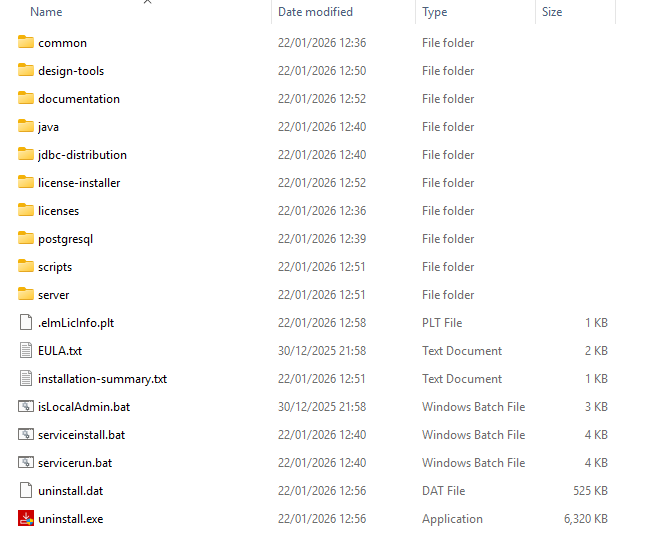
The Installation Wizard provides the easiest and quickest way to install Pentaho Enterprise on Windows.

In this workshop, you will install 'everything' enabling access to a 'local' Pentaho Repository.

  1. Navigate to the downloaded: pentaho-business-analytics-11.0.0.0-237.exe installation file.

  2. Double-click: pentaho-business-analytics-11.0.0.0-237.exe file to launch it.

  3. Ignore the Antivirus warning ..

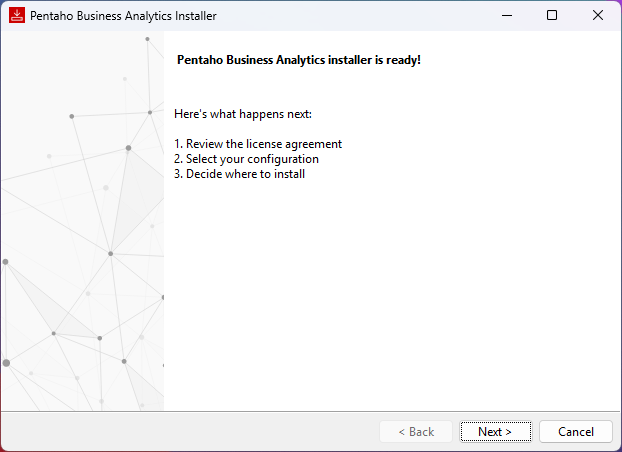
Review installation
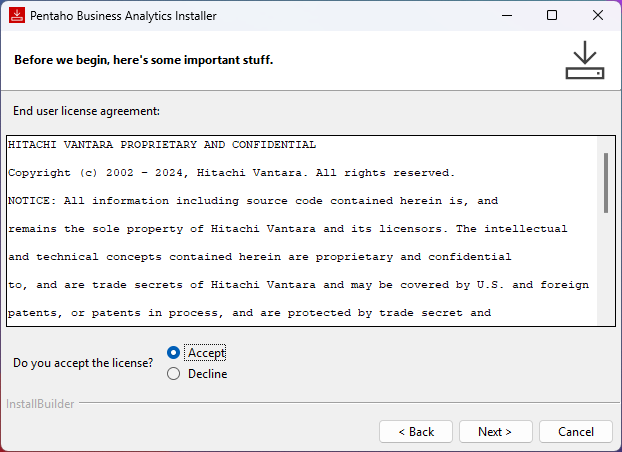
  1. Accept the License agreement.

Accept License Agreement
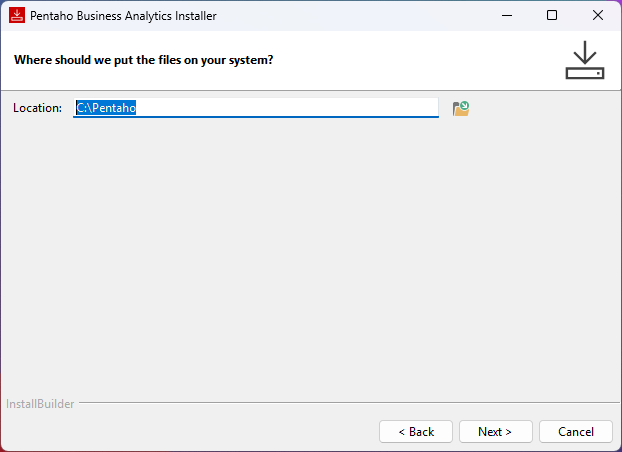
  1. Keep the default installation path.

Keep default installation path
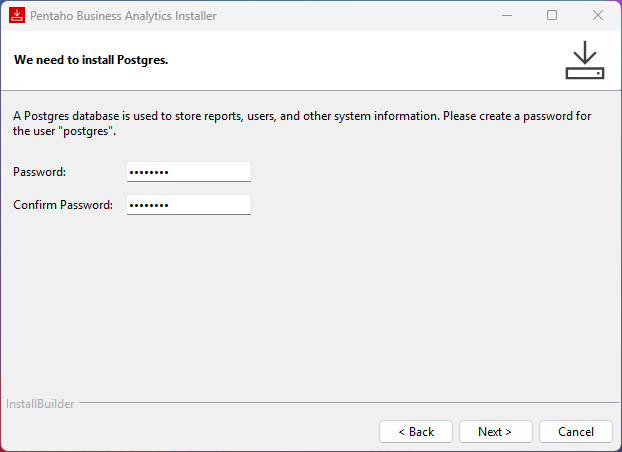
  1. The default Pentaho Repository database is PostgreSQL.

Password: password (all in lower case)

Enter Password: password
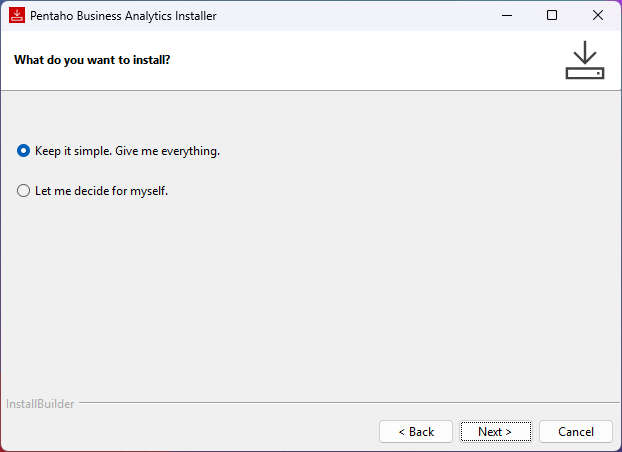
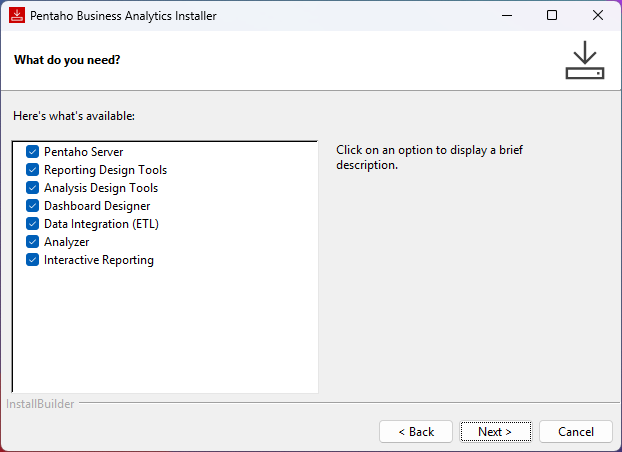
  1. Decide if you wish to install everything or specific components.

Keep it simple
circle-info

With the Pentaho Installation Wizard you can choose one of two ways to install Pentaho components:

  • Default: Select the Keep it simple. Give me everything option in the installation wizard.

  • Custom: Select the Let me decide for myself option in the installation wizard.

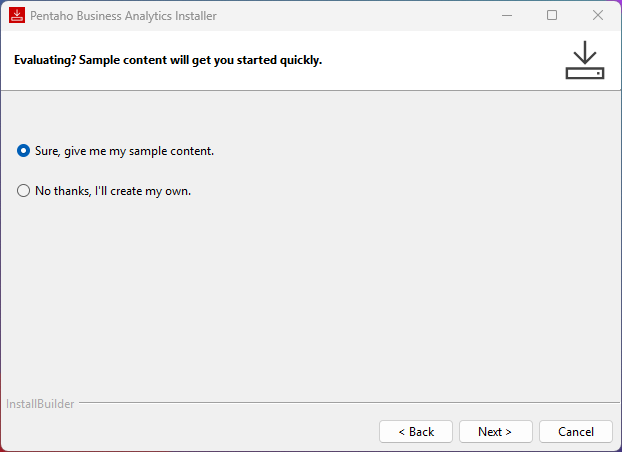
  1. Install Stell Wheels sample data.

Install Steel Wheels - sampledata
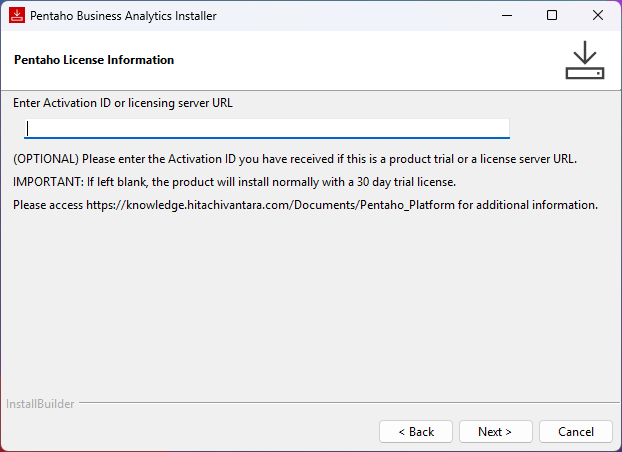
  1. Enter either an Activation ID or a Licensing server URL.

circle-exclamation
Enter License URL or Activation ID
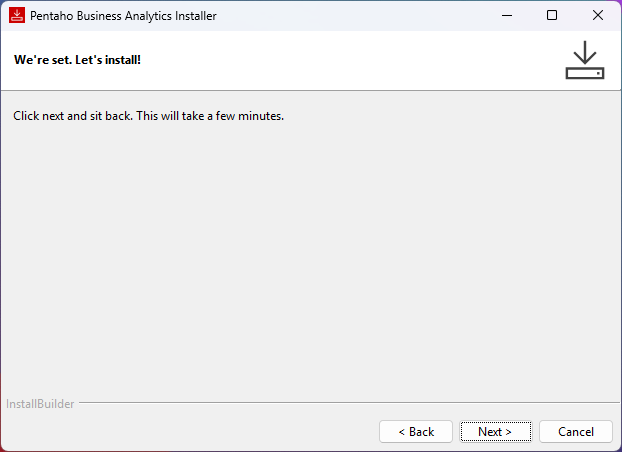
  1. Click 'Next' to start the installation.

circle-exclamation
Pentaho 11
triangle-exclamation
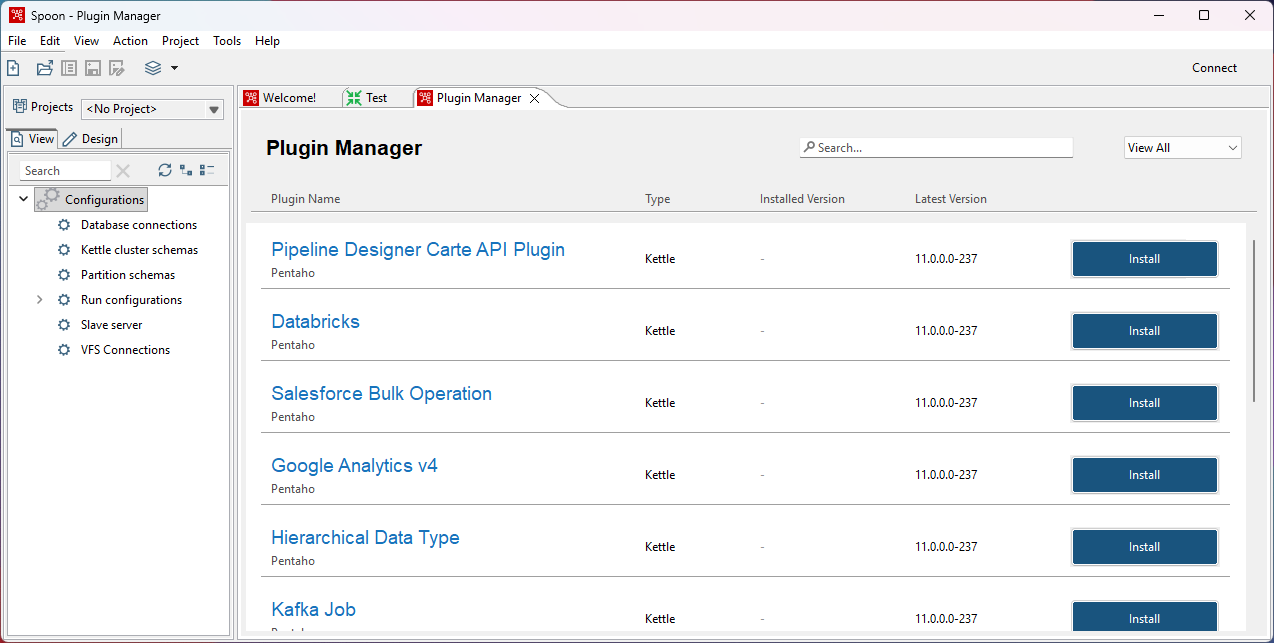
Data Integration - Plugin Manager
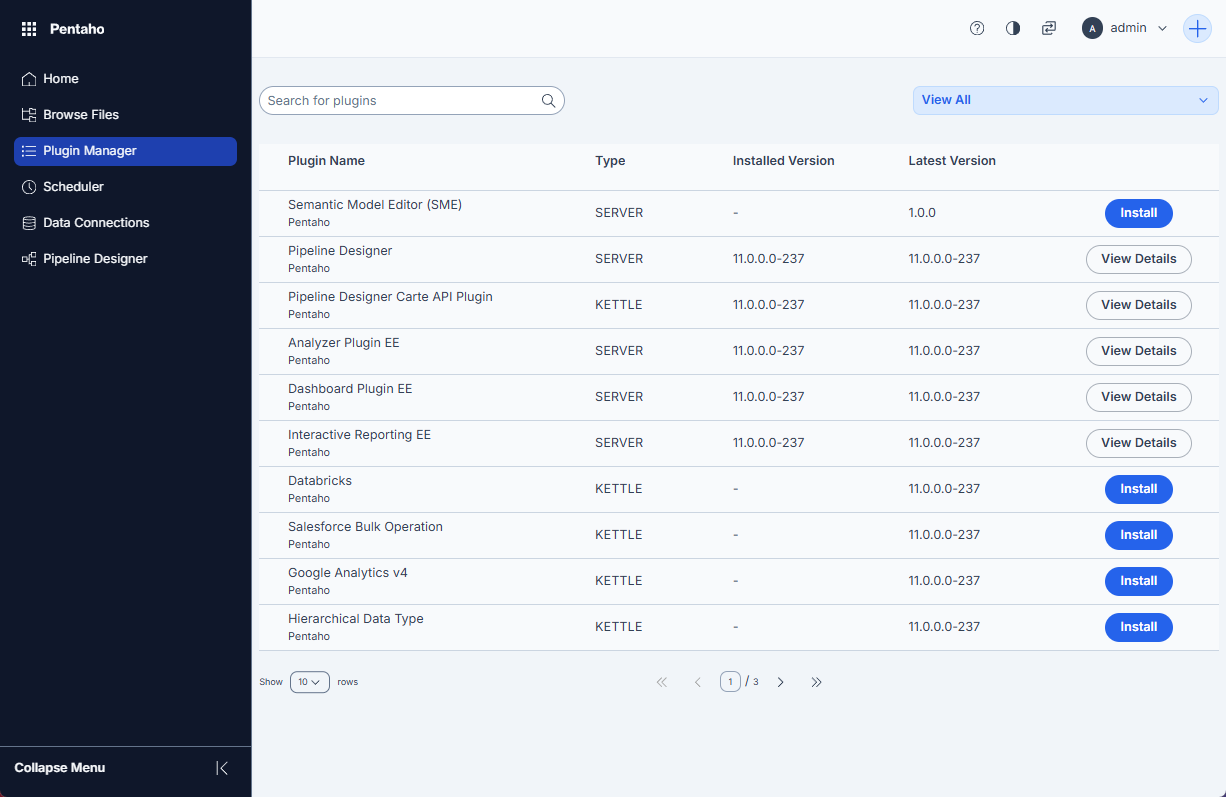
Pentaho Server - Plugin Manager

Last updated

Was this helpful?